Check in and clock time
Workers arrive on site, see the right project context, and clock in without paper sign-in sheets or chasing a supervisor.

SiteSafe on iPhone and Android puts biometric check-in, arrival forms, hazard reporting, and manager visibility in the pocket of everyone on site. Install the app, sign in, and keep working without chasing paper or waiting for a desktop.
Workers arrive on site, see the right project context, and clock in without paper sign-in sheets or chasing a supervisor.
Complete arrival forms, confirm site requirements, and keep records visible so gate friction drops on busy mornings.
Raise hazards, log incidents, and check out with the same app—so issues are captured while context is still fresh.
These screens show the day-to-day workflows workers and site managers use once SiteSafe is installed.
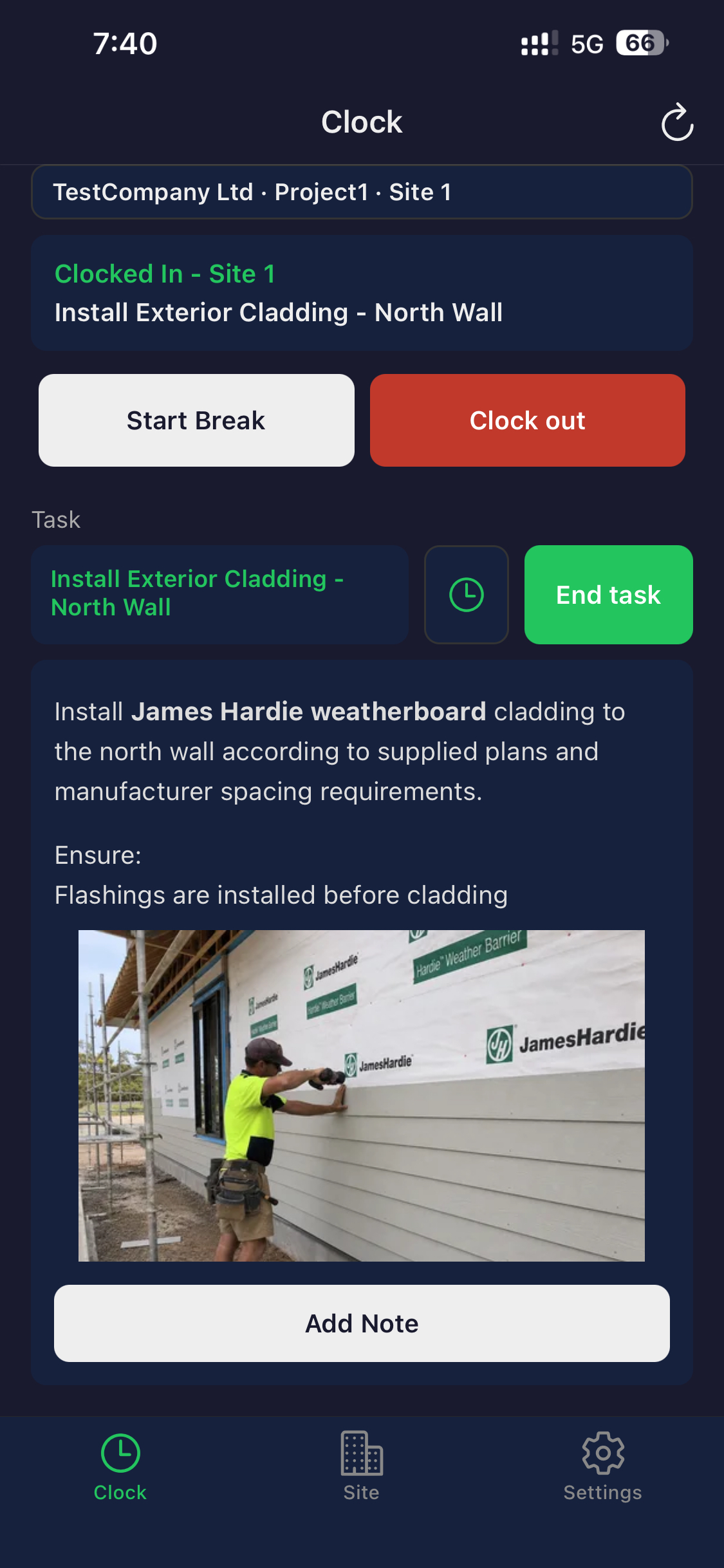
Workers see site context, active tasks, and clock actions in one mobile view.

Check-out, hazard reporting, and incident reporting stay easy to find when something happens on site.
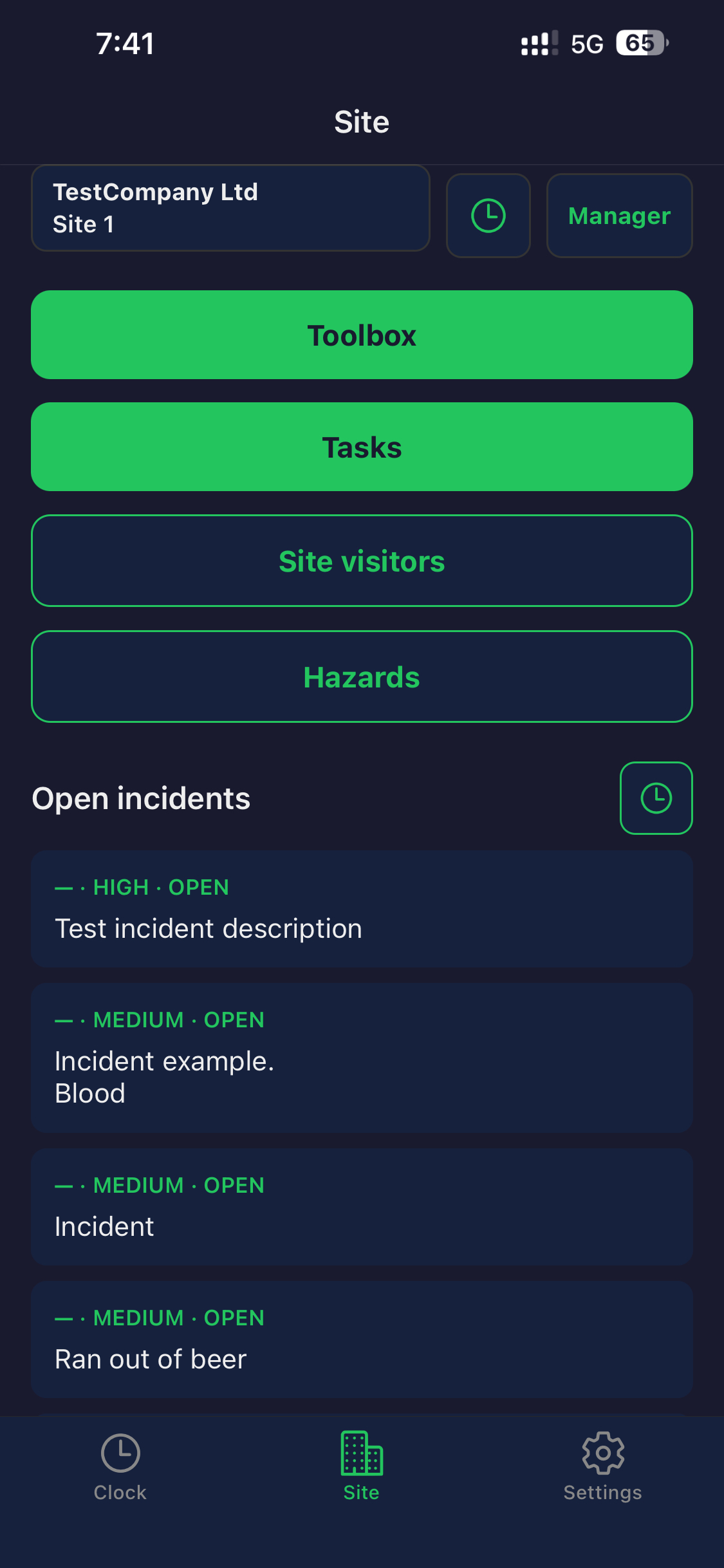
Site managers open the actions they need from their phone instead of waiting to get back to a desktop.
Site work does not wait for office hours. When compliance, attendance, and reporting live on the phone everyone already carries, supervisors spend less time reconciling paper and crews spend less time standing at the gate.
Start with a company account, invite workers to install the app, and align your sites with the same mobile workflows your field team uses every day.